🎉 Up to 70% Off Selected ItemsShop Sale
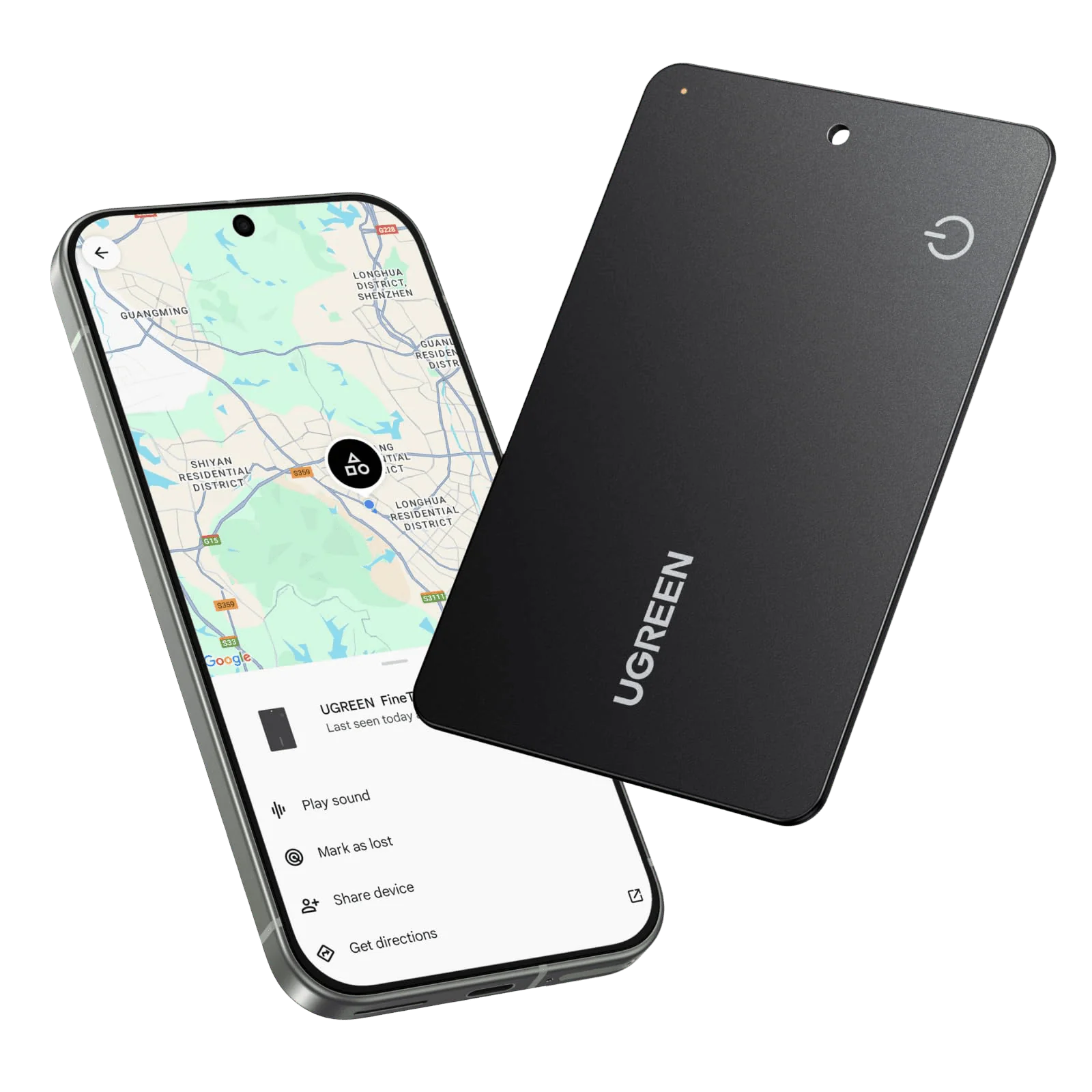
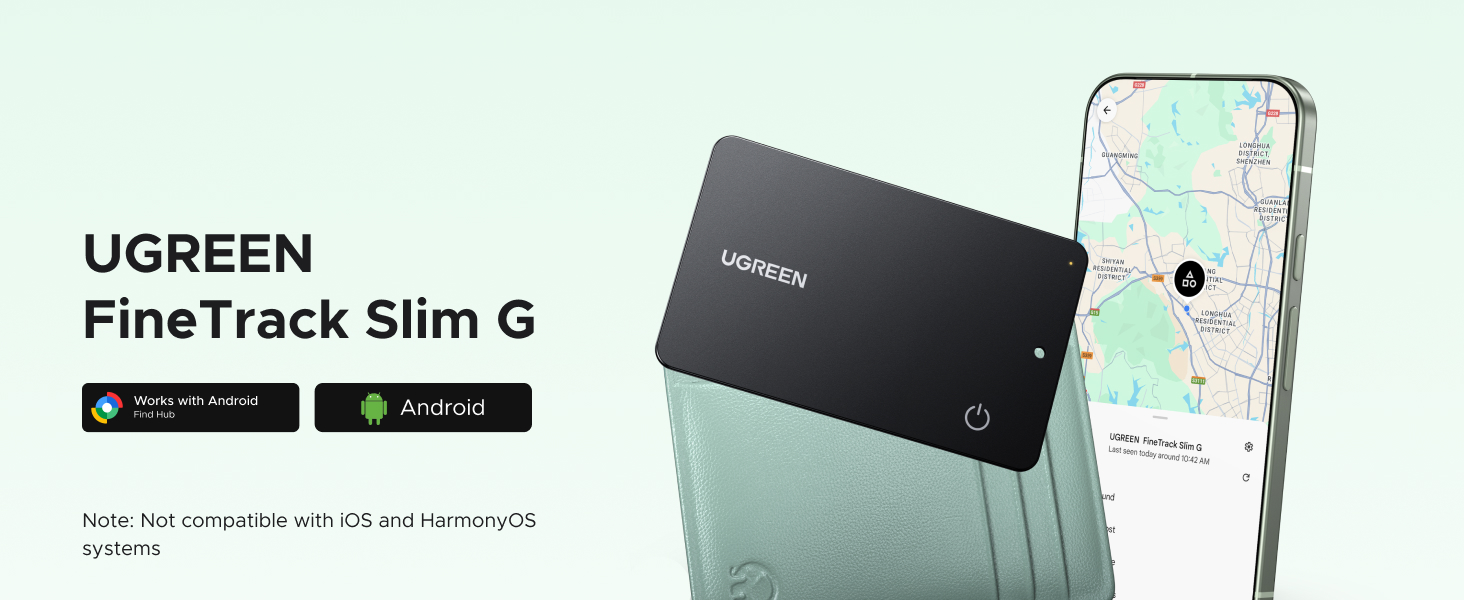
UGREEN FineTrack Slim G Smart Finder (for Android)
HomeStore

UGREEN FineTrack Slim G Smart Finder (for Android)

UGREEN FineTrack Slim G Smart Finder (for Android)

Select pieces
From $27.36
UGREEN FineTrack Slim G Smart Finder (for Android)
$27.36

The Story

aplus content image
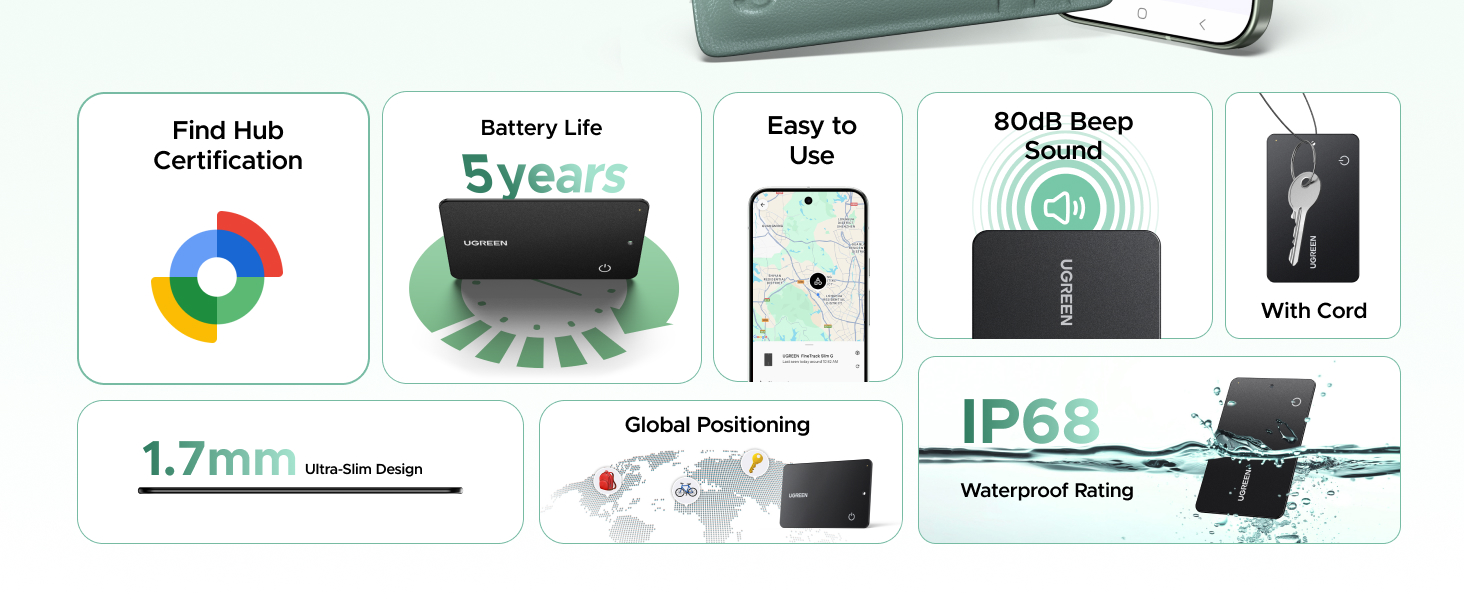
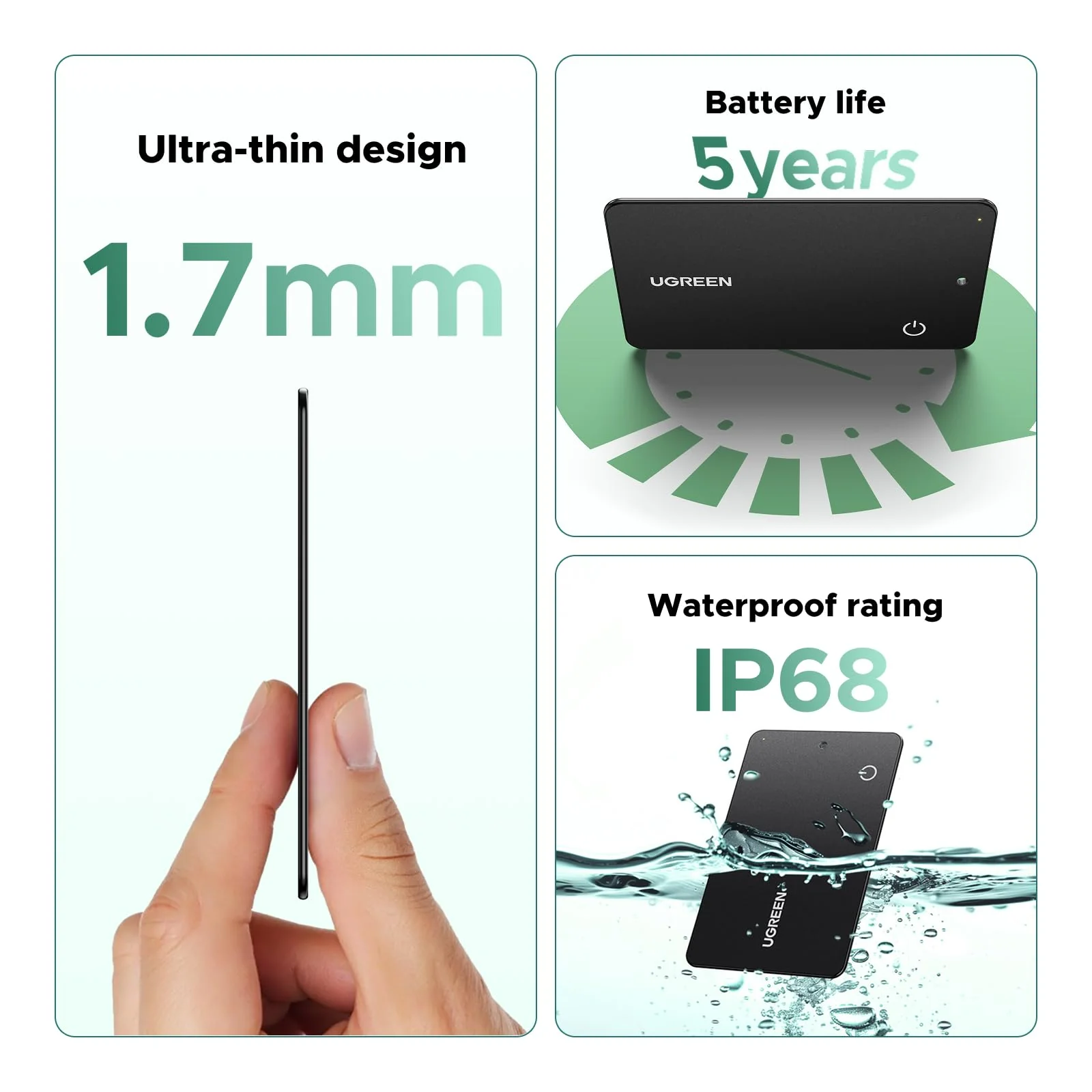
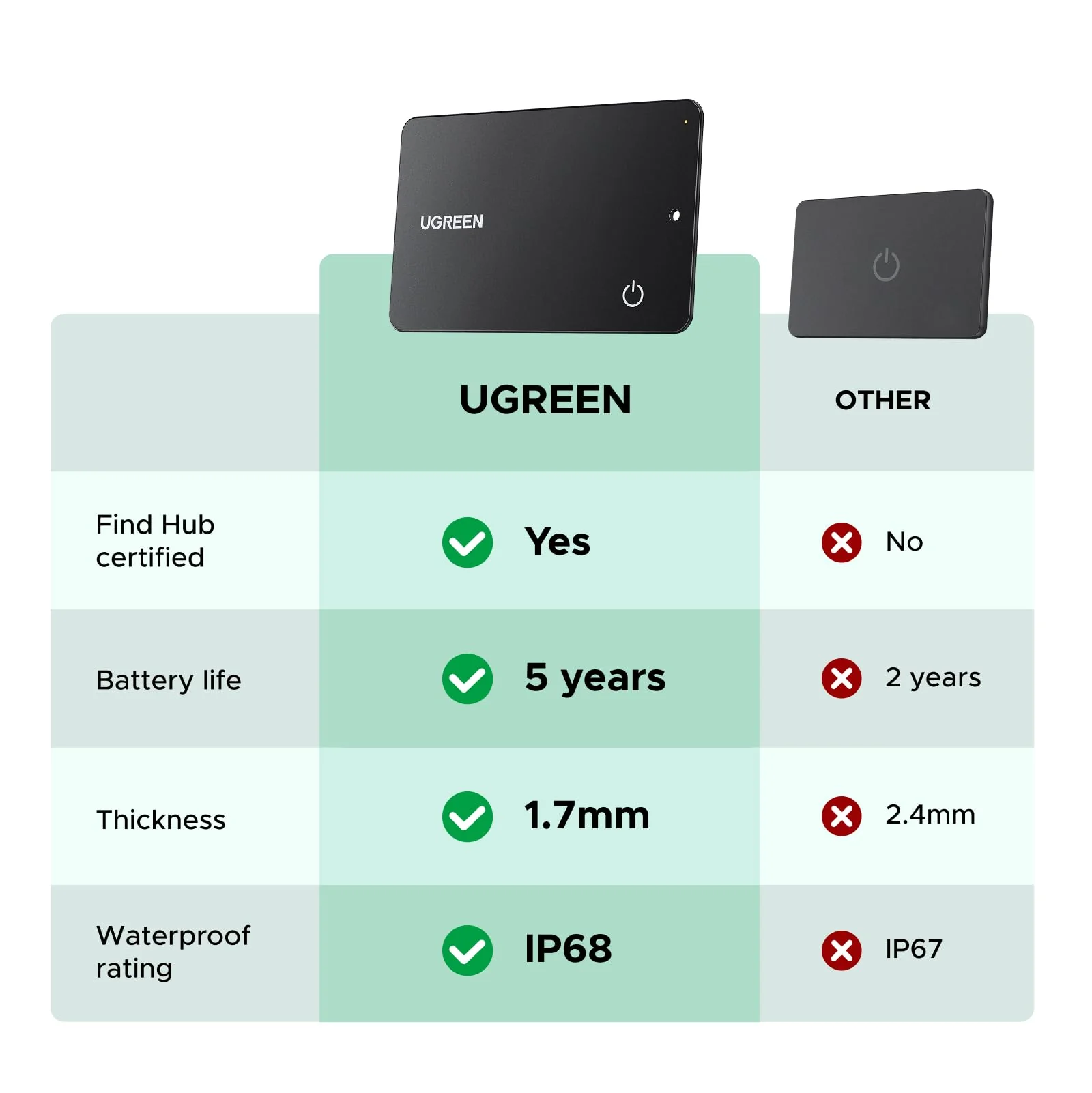
Technical specifications diagram showing product features including IP65 rating and battery life indicators. Multiple icons display various product capabilities.

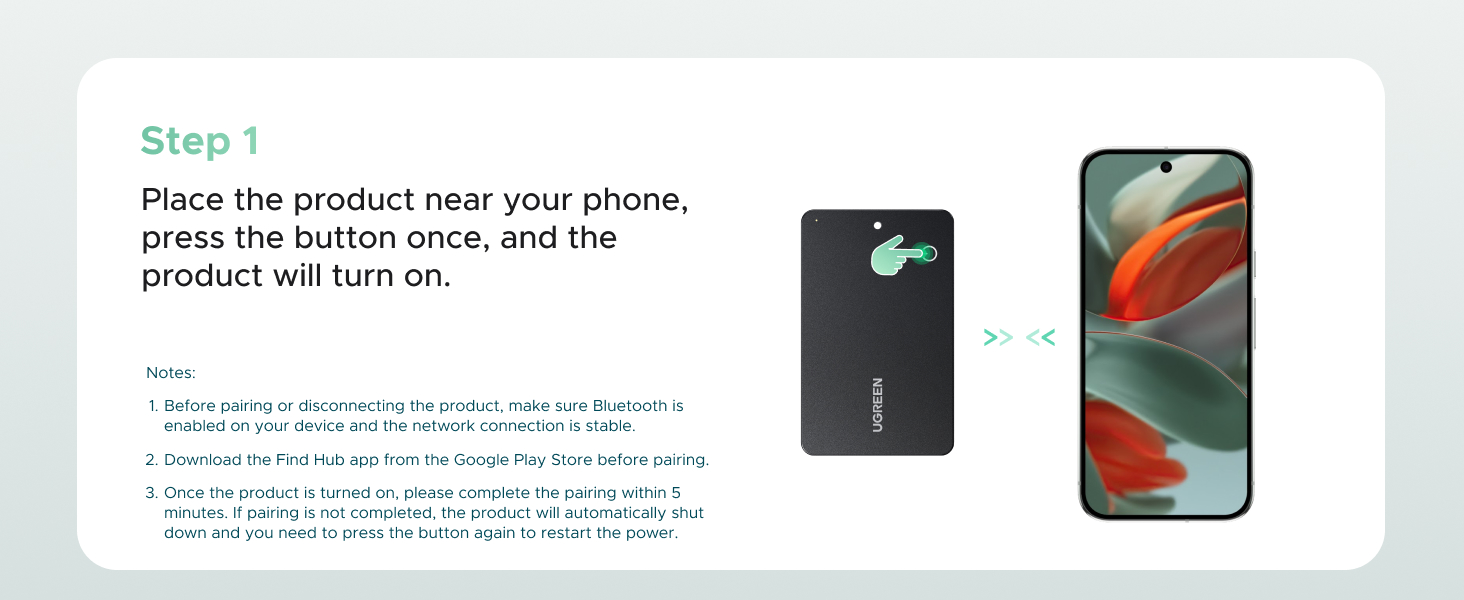
How do I determine if a phone can be paired with a tracker?

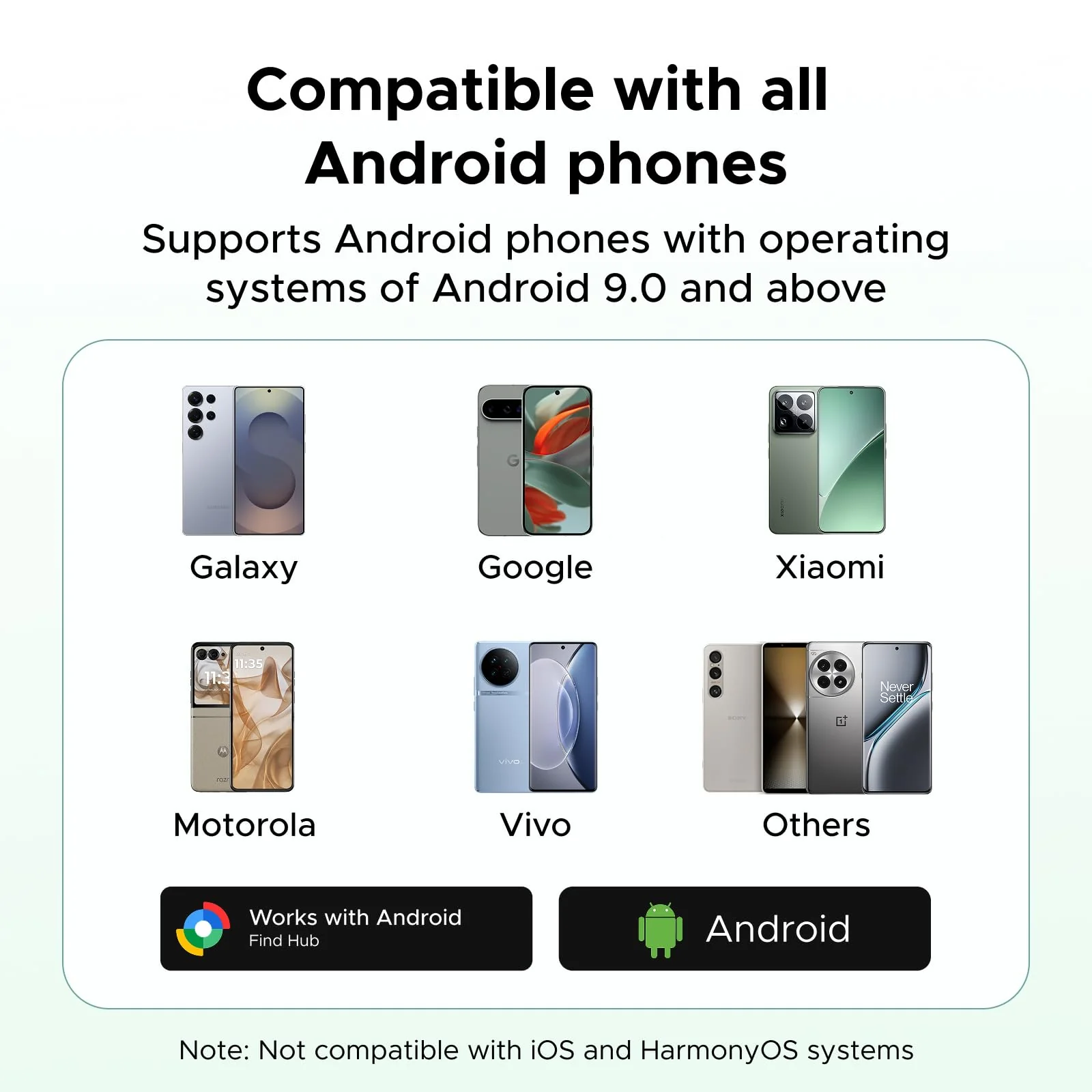
1. Please make sure your Android phone supports Android 9.0 or higher.

2. To ensure the pop-up window displays correctly on your Android phone, please make sure your Google Play Services and Google Find Hub are updated to the latest versions.

How do I update the Google Play Services version?

1. Open the "Settings" app on your phone or tablet. Then tap your profile photo and then "All Services."

2. Under "Privacy and Security," tap "System Services," then "Google Play Services." Click "Update" or "Install."

What should I do if the tracker still cannot connect after the pop-up window appears?

1. If you accidentally close the pop-up window, please wait until it appears again. After waiting five minutes or restarting your phone, the pop-up window will appear again.

2. On certain phones, the pop-up window may suddenly disappear after a certain amount of time. If waiting five minutes doesn't resolve the issue, please restart your phone to reestablish the connection.

UGREEN FineTrack Slim G Smart Finder (for Android) - Image 2

Details & Craftsmanship

Every detail has been carefully considered to bring you the perfect product.
UGREEN FineTrack Slim G Smart Finder (for Android) - Image 3

Details & Craftsmanship

Every detail has been carefully considered to bring you the perfect product.
UGREEN FineTrack Slim G Smart Finder (for Android) - Image 4

Details & Craftsmanship

Every detail has been carefully considered to bring you the perfect product.
UGREEN FineTrack Slim G Smart Finder (for Android) - Image 5

Details & Craftsmanship

Every detail has been carefully considered to bring you the perfect product.
UGREEN FineTrack Slim G Smart Finder (for Android) - Image 6

Details & Craftsmanship

Every detail has been carefully considered to bring you the perfect product.
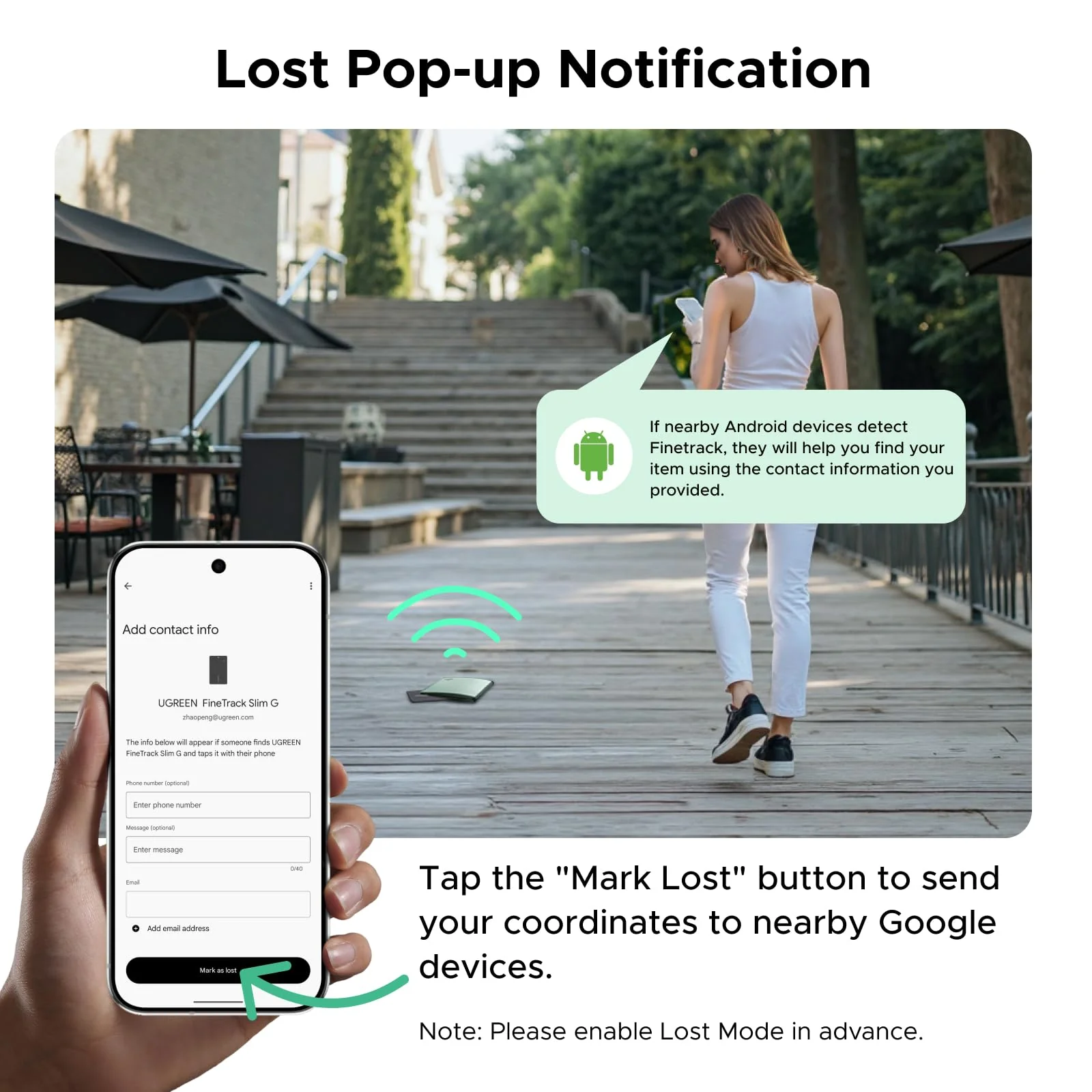
UGREEN FineTrack Slim G Smart Finder (for Android) - Image 7

Details & Craftsmanship

Every detail has been carefully considered to bring you the perfect product.
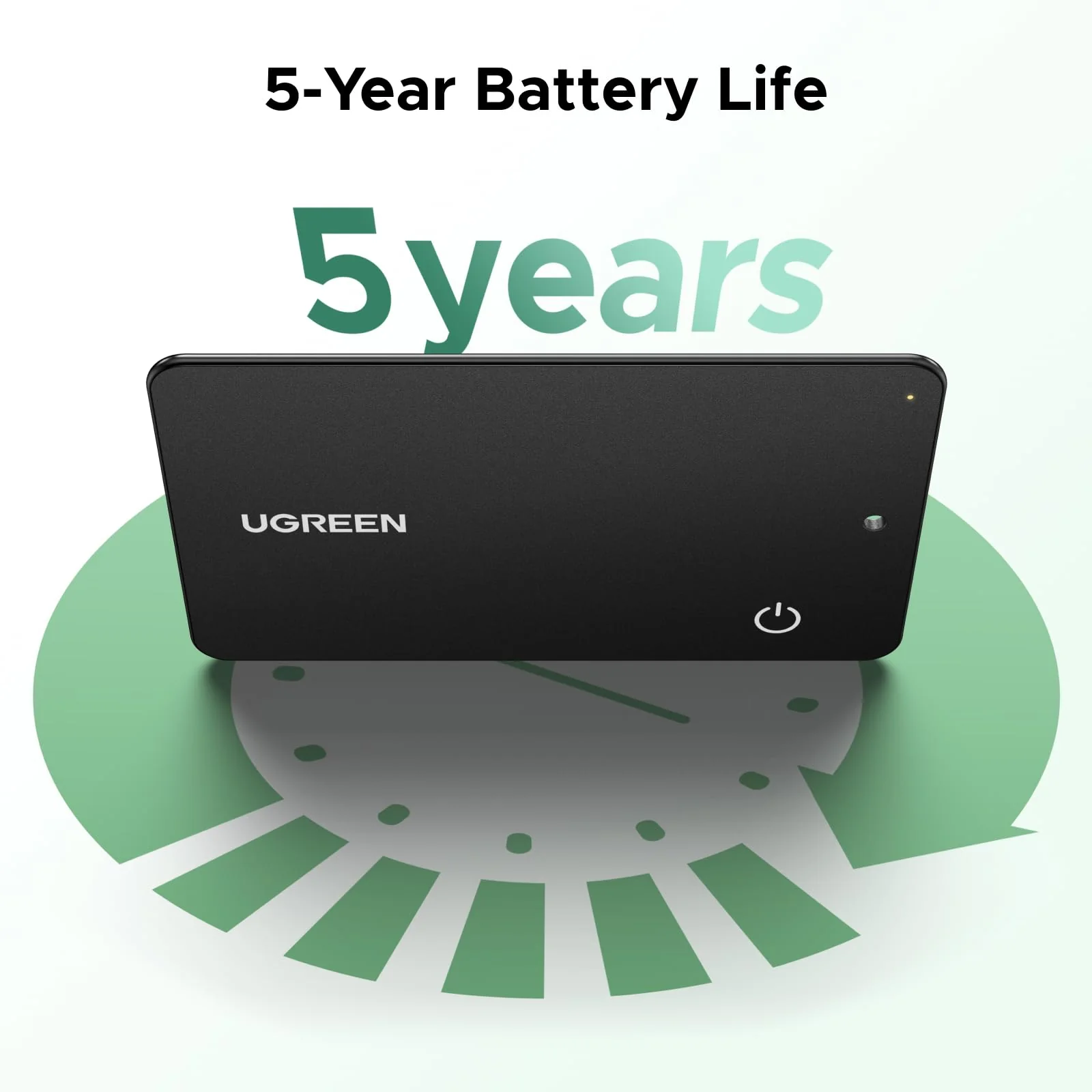
UGREEN FineTrack Slim G Smart Finder (for Android) - Image 8

Details & Craftsmanship

Every detail has been carefully considered to bring you the perfect product.
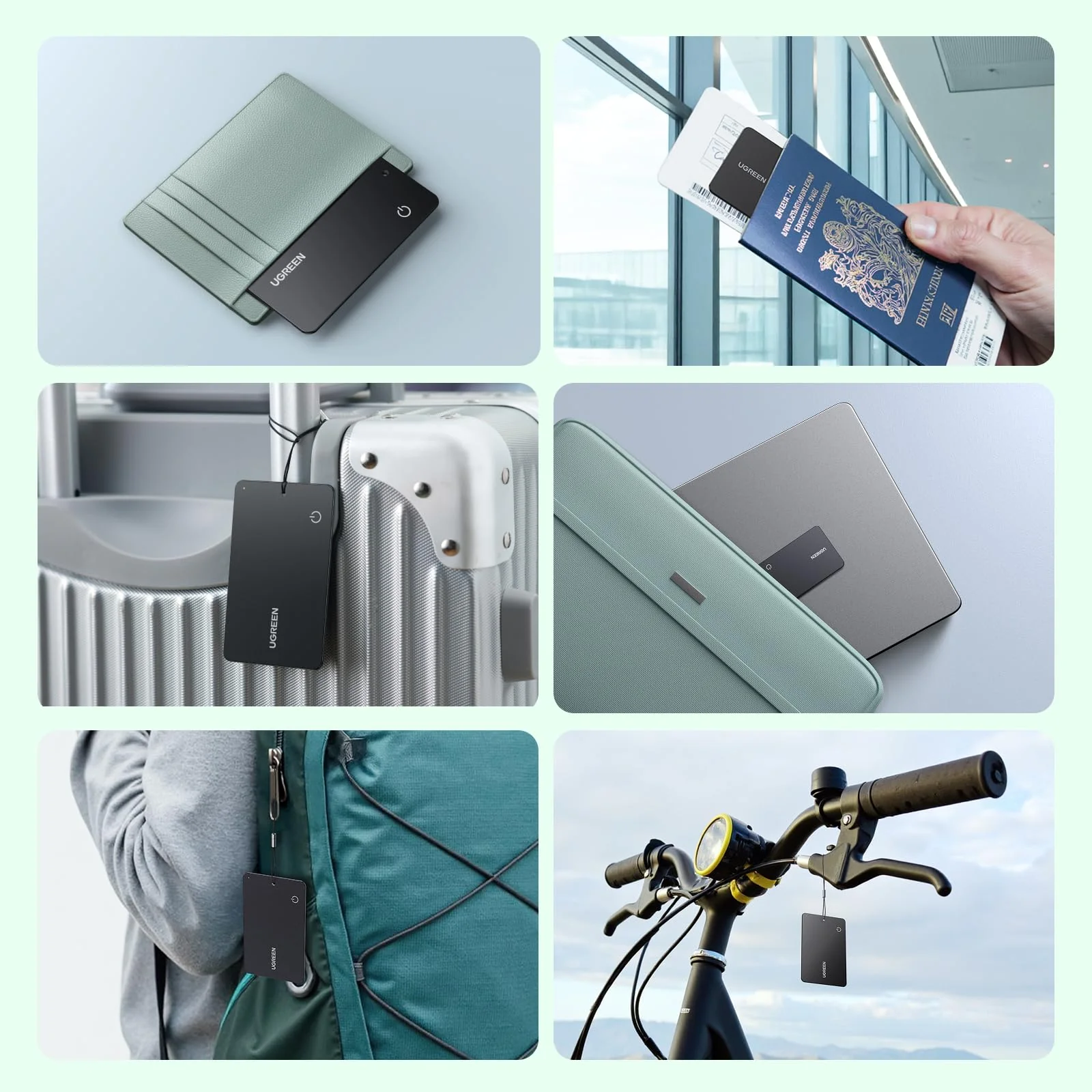
UGREEN FineTrack Slim G Smart Finder (for Android) - Image 9

Details & Craftsmanship

Every detail has been carefully considered to bring you the perfect product.
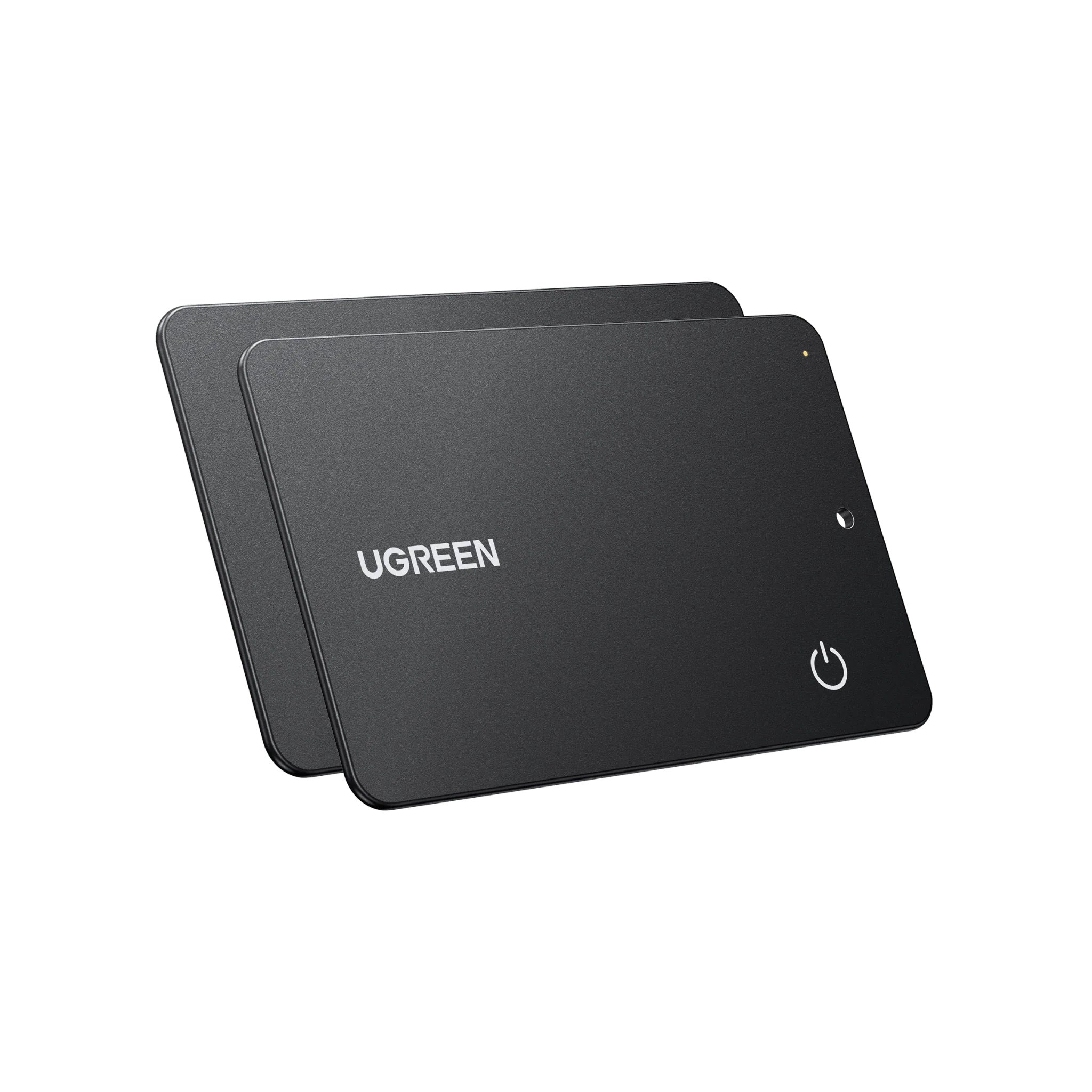
UGREEN FineTrack Slim G Smart Finder (for Android) - Image 10

Details & Craftsmanship

Every detail has been carefully considered to bring you the perfect product.
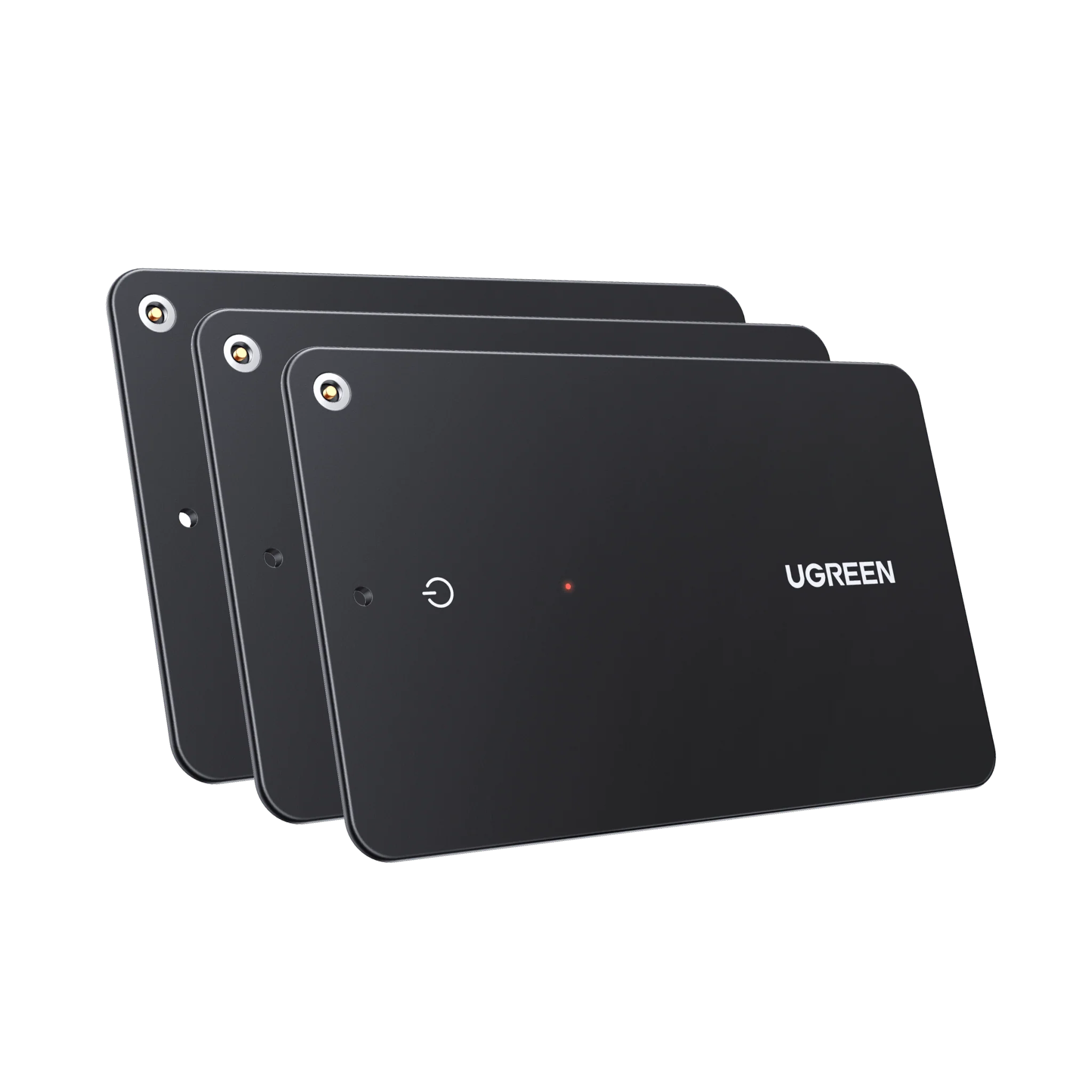
UGREEN FineTrack Slim G Smart Finder (for Android) - Image 11

Details & Craftsmanship

Every detail has been carefully considered to bring you the perfect product.
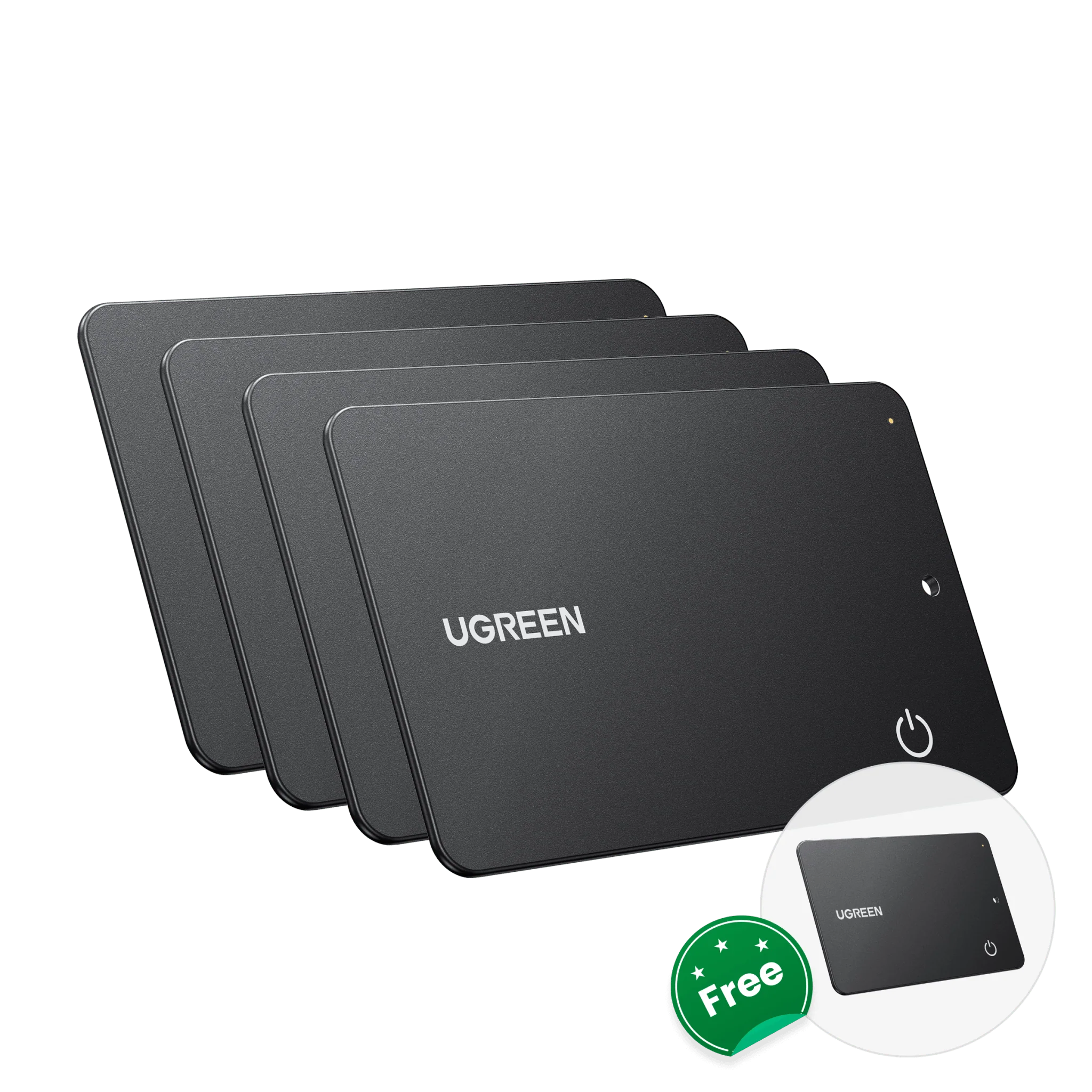
UGREEN FineTrack Slim G Smart Finder (for Android) - Image 12

Details & Craftsmanship

Every detail has been carefully considered to bring you the perfect product.

Description
aplus content image
Technical specifications diagram showing product features including IP65 rating and battery life indicators. Multiple icons display various product capabilities.

How do I determine if a phone can be paired with a tracker?

1. Please make sure your Android phone supports Android 9.0 or higher.

2. To ensure the pop-up window displays correctly on your Android phone, please make sure your Google Play Services and Google Find Hub are updated to the latest versions.

How do I update the Google Play Services version?

1. Open the "Settings" app on your phone or tablet. Then tap your profile photo and then "All Services."

2. Under "Privacy and Security," tap "System Services," then "Google Play Services." Click "Update" or "Install."

What should I do if the tracker still cannot connect after the pop-up window appears?

1. If you accidentally close the pop-up window, please wait until it appears again. After waiting five minutes or restarting your phone, the pop-up window will appear again.

2. On certain phones, the pop-up window may suddenly disappear after a certain amount of time. If waiting five minutes doesn't resolve the issue, please restart your phone to reestablish the connection.

UGREEN FineTrack Slim G Smart Finder (for Android) | UGREEN